GatoCat World Maker
A downloadable tool for Windows
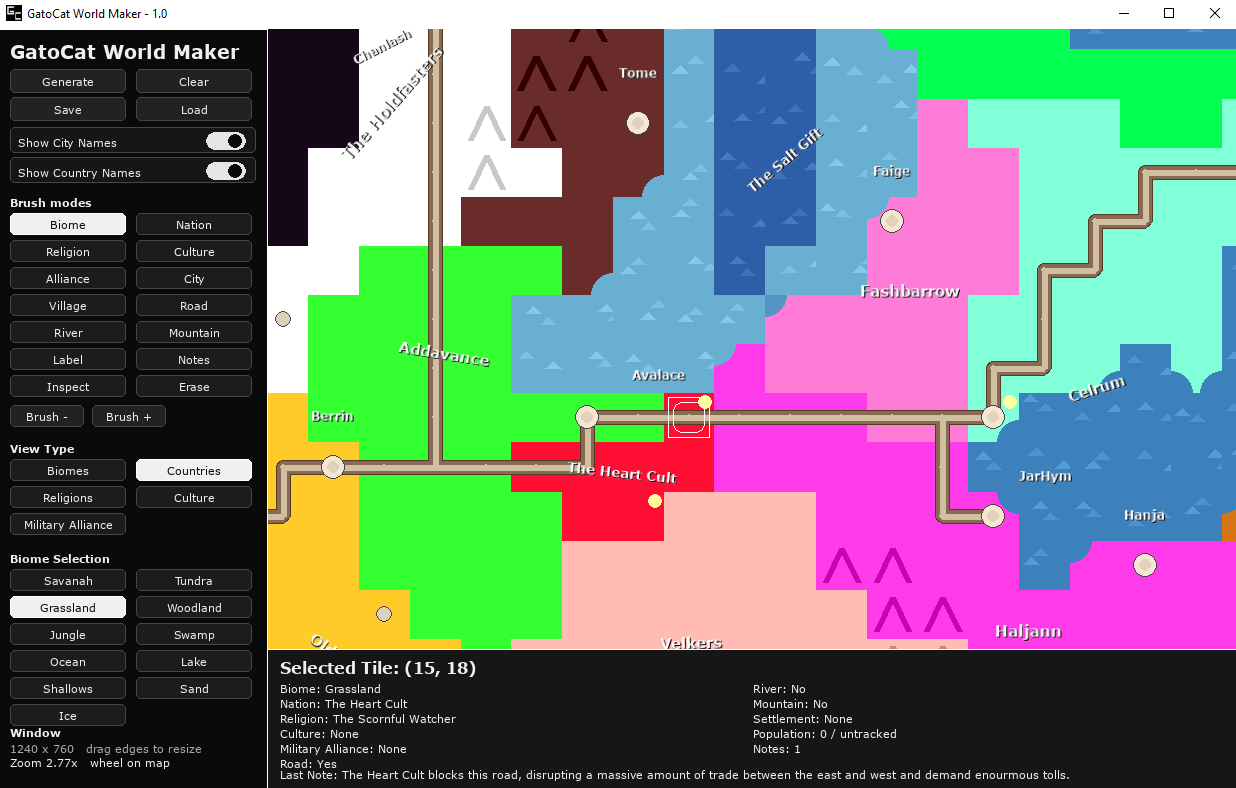
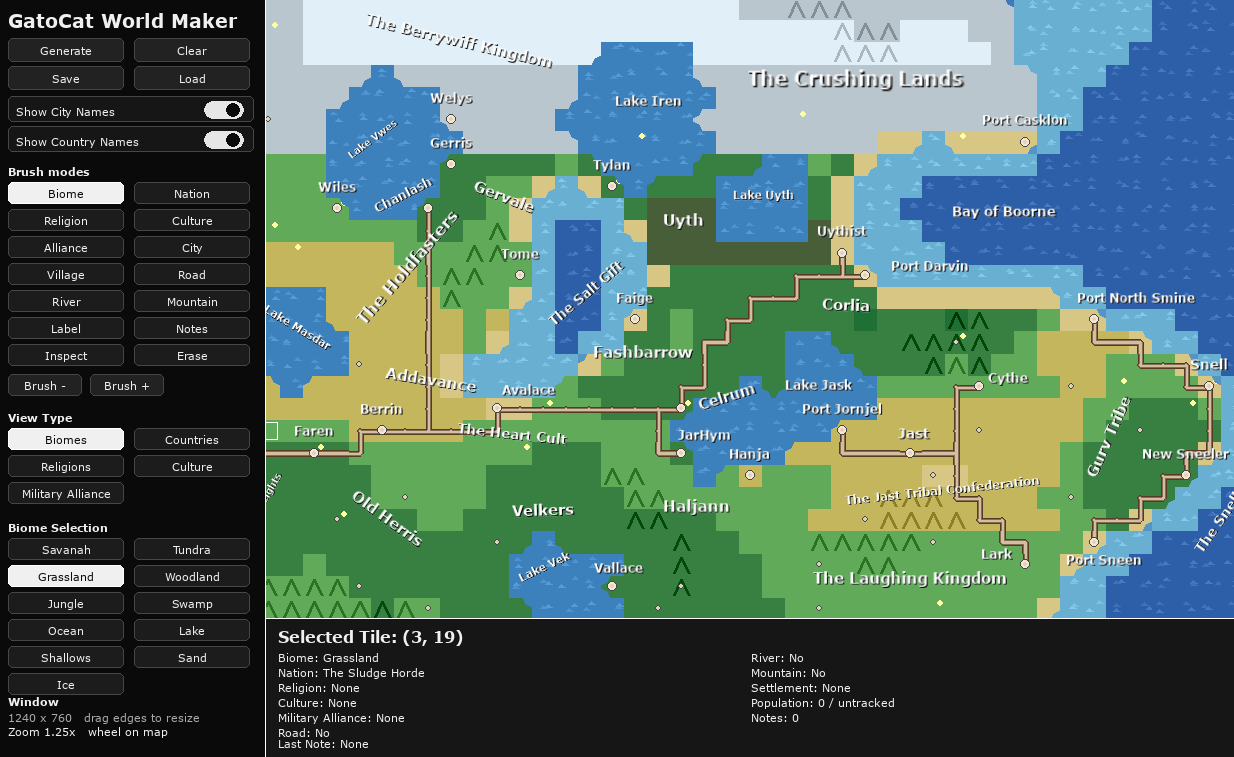
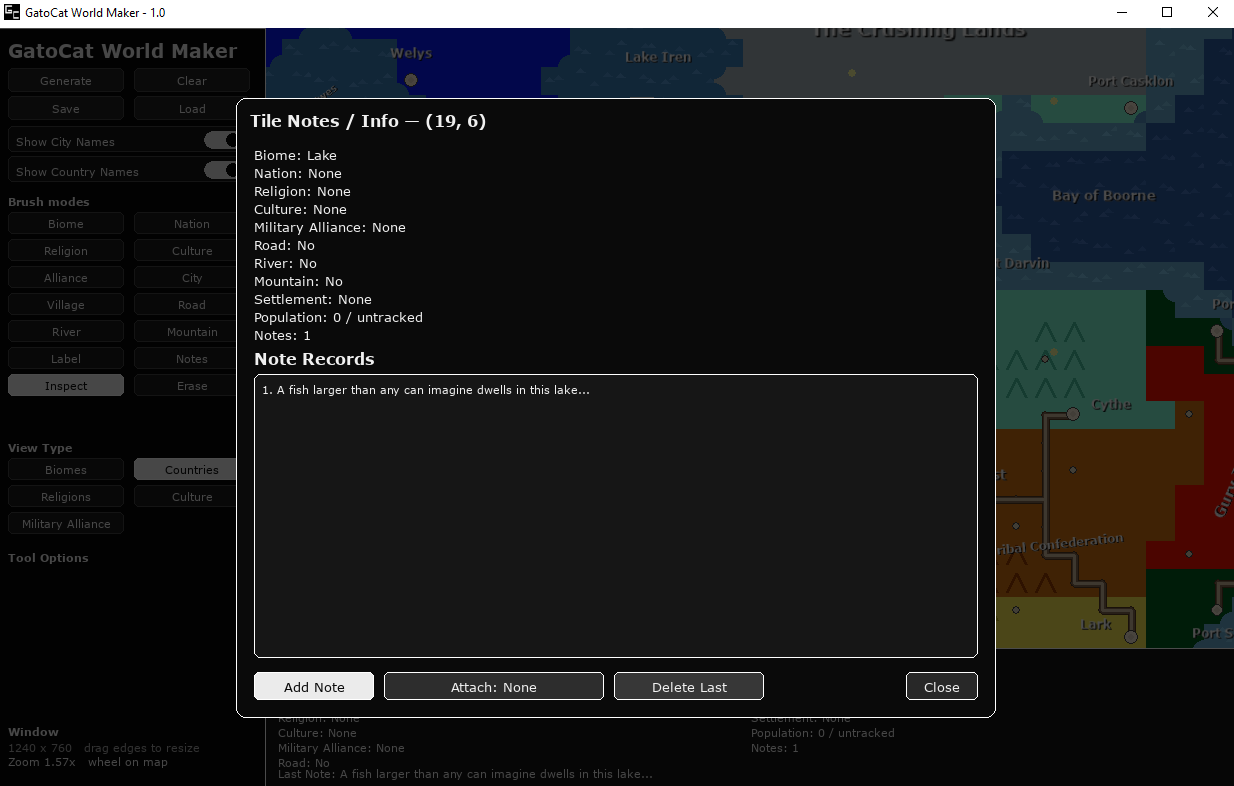
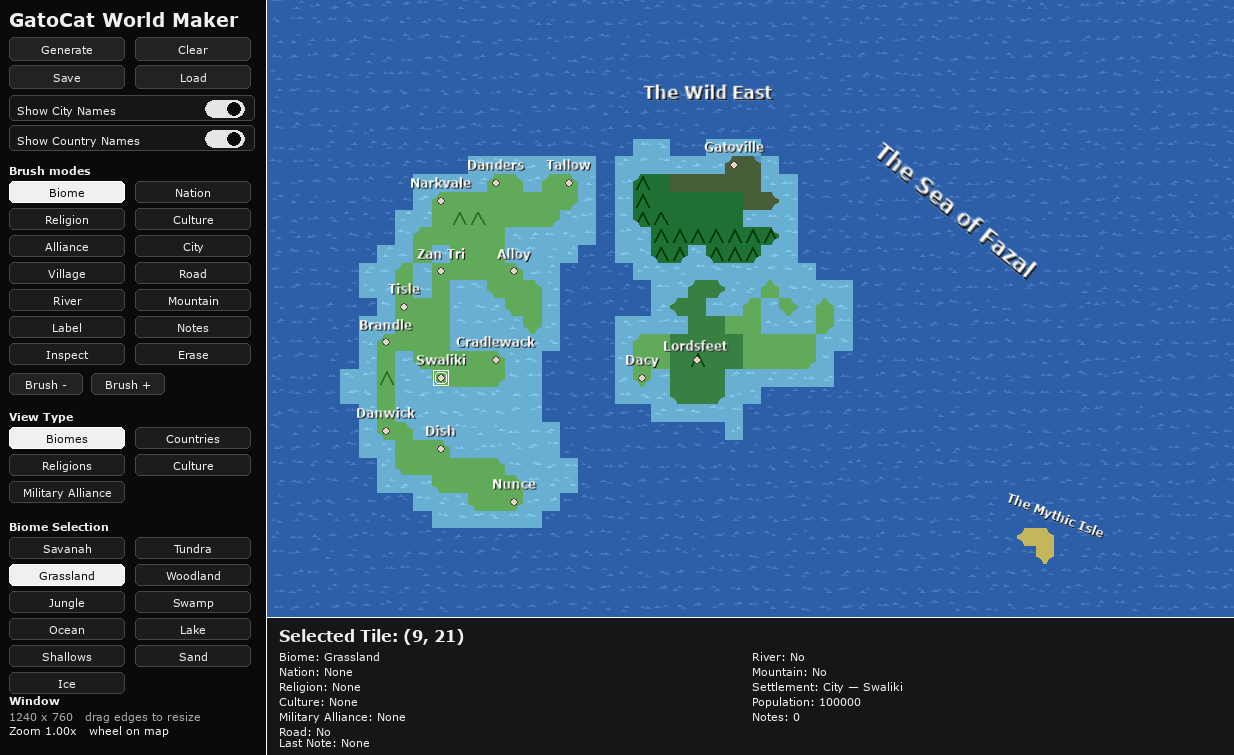
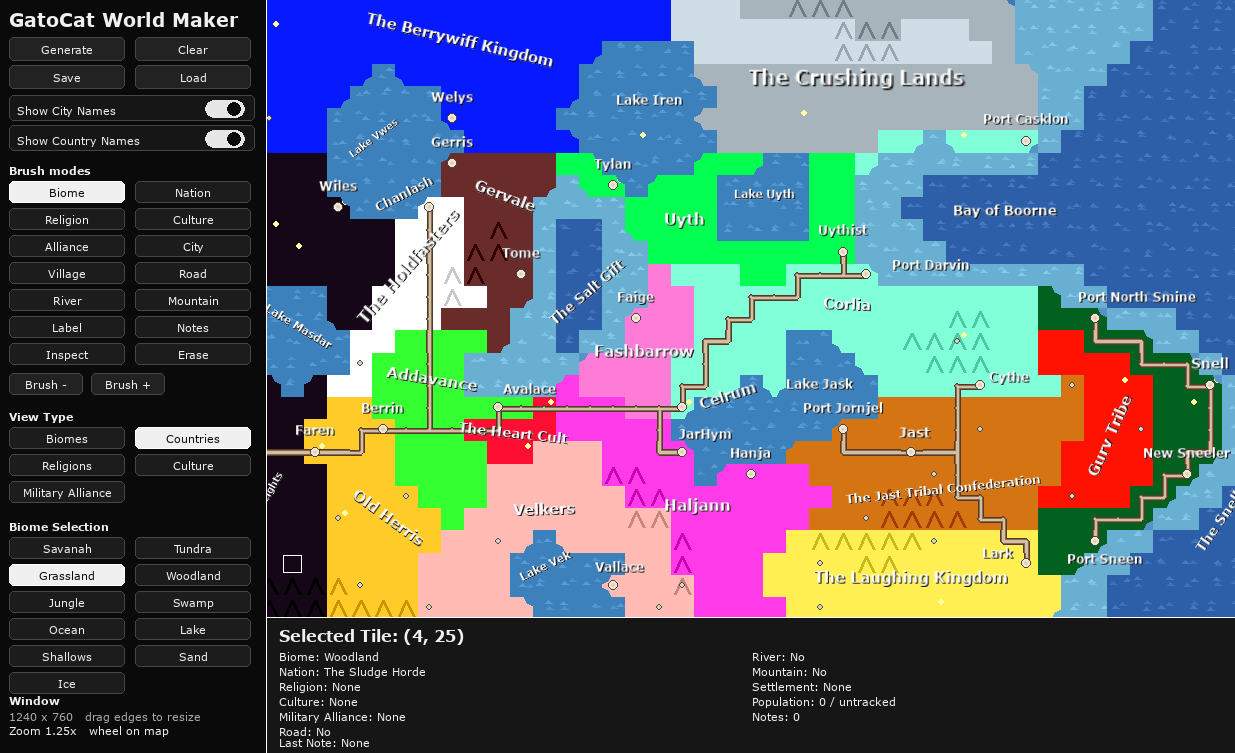
GatoCat World Maker is a lightweight fantasy map creation tool that lets you quickly generate and edit procedural worlds. Paint biomes, countries, religions, cultures, rivers, roads, mountains, and settlements directly onto a grid map, then annotate your world with labels and notes. Designed for worldbuilders, writers, and game designers who want a fast, visual way to develop and organize their settings
Still very much in development, feedback is very welcome.
I've also included two saved worlds for you to explore and get an idea of what the tool can be used for.
Controls
Mouse
-
Left Click – Paint terrain, place objects, or interact with tools
-
Left Drag – Paint continuously or draw roads/rivers
-
Right Click – Inspect tile / open notes
-
Scroll Wheel – Zoom map (or resize selected label)
-
Left Drag on Label – Move label
-
Right Drag on Label – Rotate label
Keyboard
-
1–5 – Biome / Nation / Religion / Culture / Alliance tools
-
6 – Place city
-
7 – Place village
-
8 – Road tool
-
9 – River tool
-
0 – Inspect mode
-
M – Mountain tool
-
L – Label tool
-
E – Erase tool
-
+ / - – Adjust brush size
-
Ctrl + S – Save world
-
Ctrl + O – Load world
-
G – Generate new world
-
C – Cycle map view modes
-
Delete / Backspace – Remove selected label
Purchase
In order to download this tool you must purchase it at or above the minimum price of $1 USD. You will get access to the following files:
Development log
- GatoCat World Maker - 1.2 - Change to Saving/Loading19 hours ago
Comments
Log in with itch.io to leave a comment.
I made a thing. Though, saving it in my non-Wine directory resulted in the following error (and for some reason there are two worlds directories, one that appears in my Wine home folder, the other in the game's local directory where the executable is; saving to the latter doesn't work as shown here):
Maybe I should remove the folder from the game directory to reduce confusion. Basically, I have them in that directory to copy them to the other folder where you will not get the permissions error. This only needs to happen once, so the solution might be to delete that folder after the first time it copies?
Thank you again, this feedback is helpful!
Love your world btw!
Still, if you try to save outside that directory it shouldn't *crash*. Have exception handling at least so you don't lose everything if you try. Though, if you're forced to save into that directory anyway, why have a file manager popup? Just ask for the name and tell them the directory it was saved to.
Saving my map crashed the application, with a permissions error.
Running on Wine.
Thank you for the detailed feedback! I should be able to fix this.
Saving/loading works now!
Good to hear! Again, I appreciate the feedback.
Custom biomes and landmarks?
Also, thought nations and such could be procedurally generated as well - would make an interesting inspirational tool, but I don't know how you'd do the names. I like the mix of nonsense words and silly things like 'The Laughing Kingdom' in the preview.